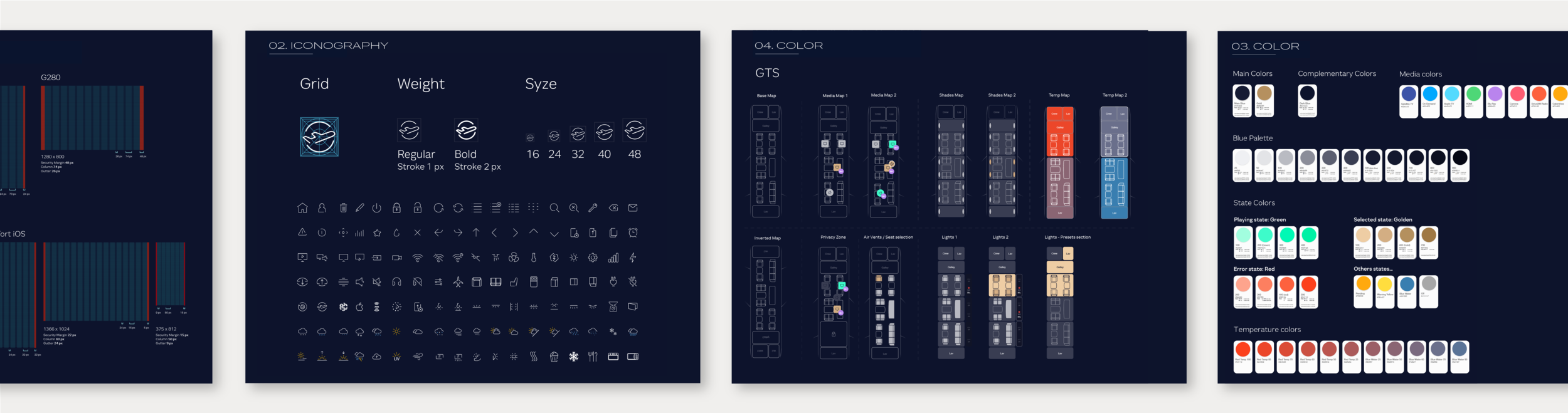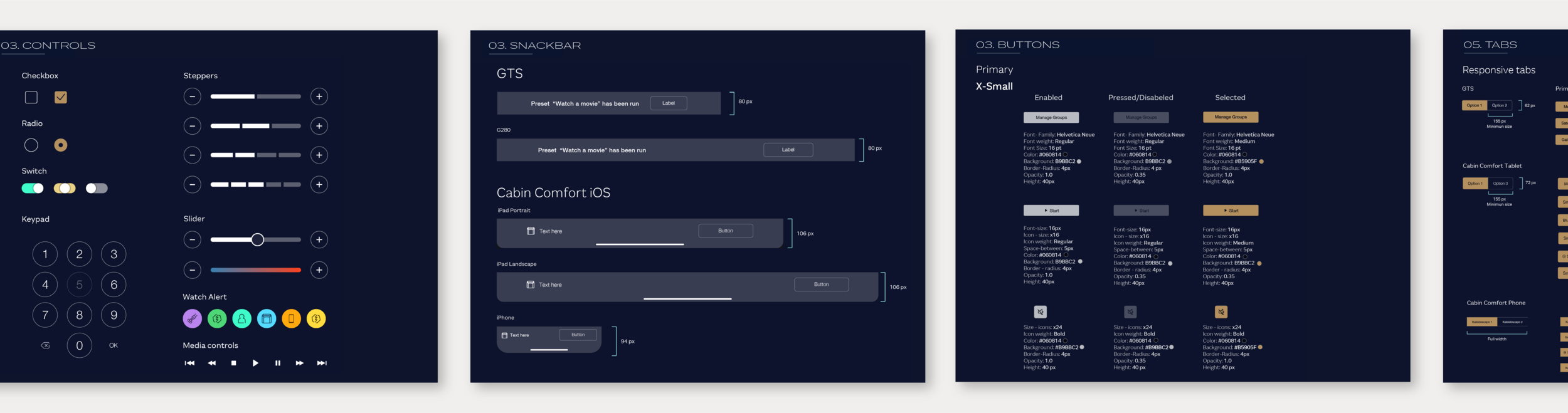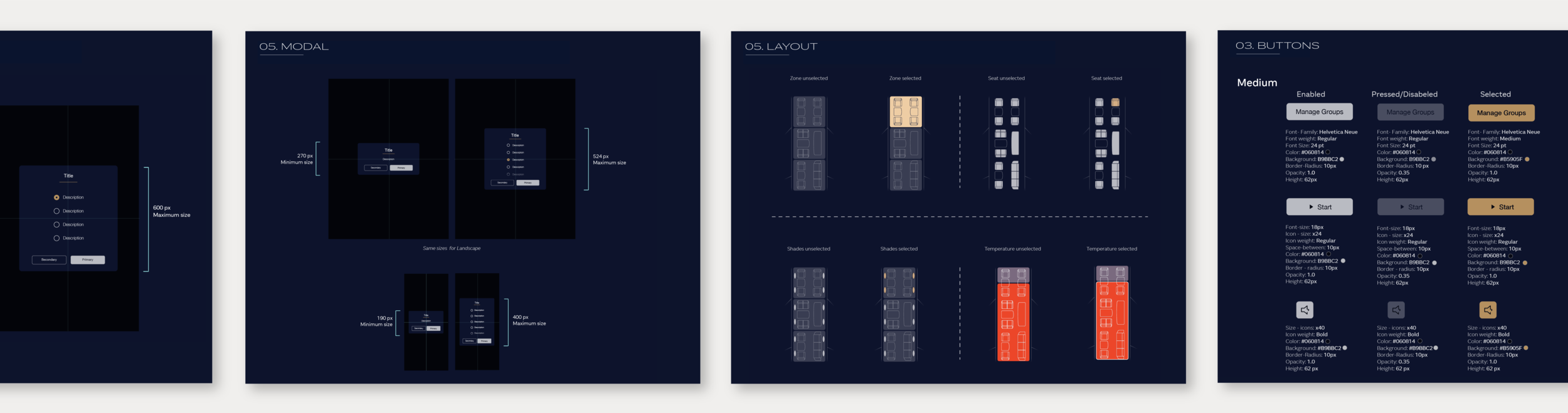


The user experience design team was responsible for all digital interface inside the cabin. These interfaces were both customer & crew facing applications designed to control various functions of the aircraft.
Project Type: Mobile App
Role: UX Researcher, UX Design
Industry: Transportation
Tools: Figma, Solidworks 3D, Mirro, Jira
Duration: 2 years
Cabin Management System: Opportunity Statement
Develop a beautiful & intuitive digital ecosystem for both android and iOS devices. This ecosystem will be used by flight attendant and crew to adjust the ambient aircraft experience as well as operate more critical systems, such as the water and electrical. The cabin management system will also be used by passengers to control the ambiance in the passenger areas - create lighting experiences, watch movies from the cabin server, and access flight information.
Research Methods

Develop User Personas

User Interviews

Card Sorting
Customer Journey Mapping

Prototype Testing
Information Architecture
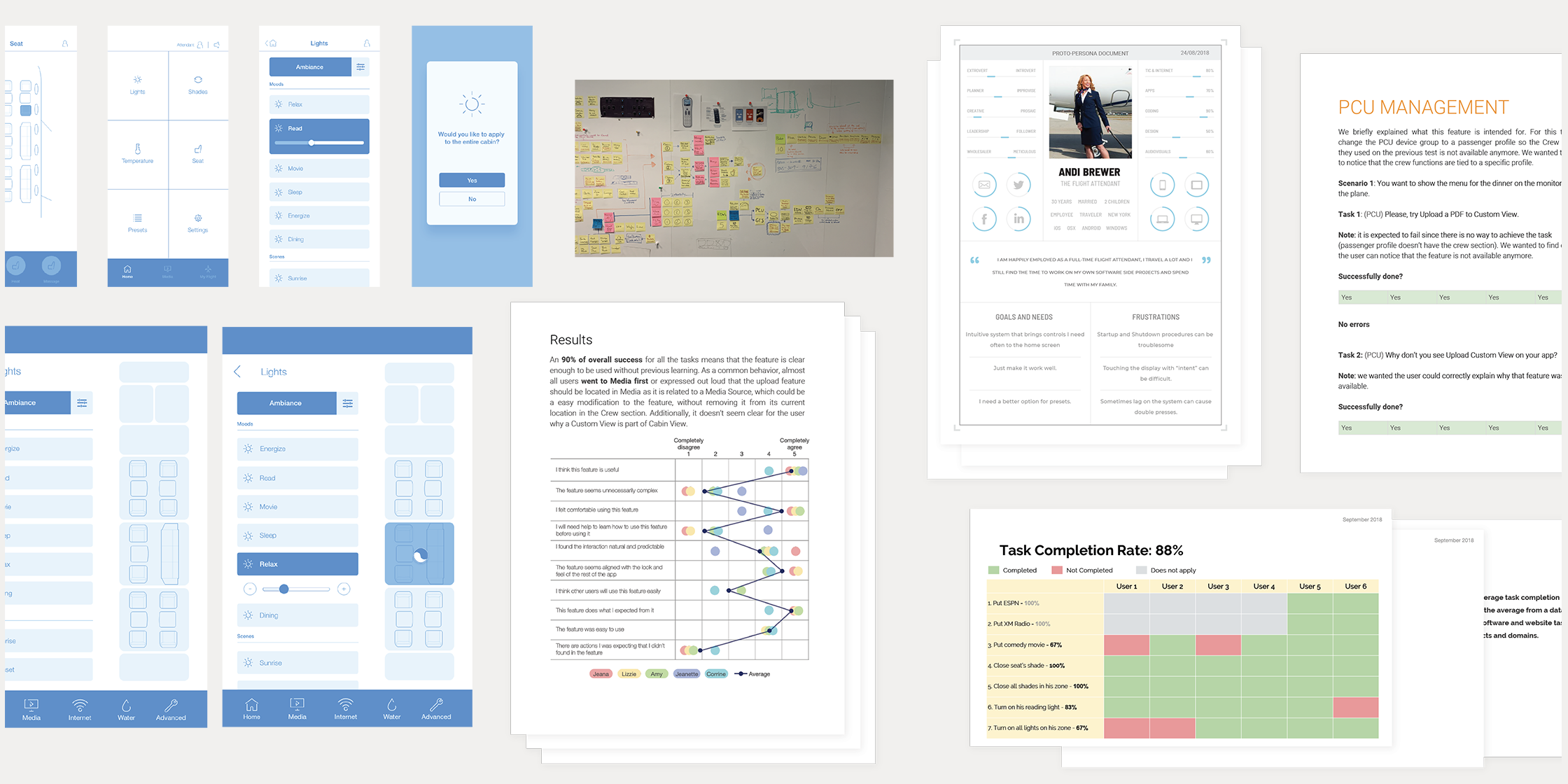
Following the discovery/definition phases our team synthesized the data and moved into the prioritization phase, deciding which features would be included into the sprint cycles. Once our schedule was set our teams began the design and development process for all Gulfstream’s Cabin Comfort for all aircraft.

Cabin Comfort: Passenger Devices
The primary focus for the digital experience starts with the passengers in the cabin. Cabin Comfort allows users to download the app to their device, once the device is in range of the passengers aircraft functions and configurations (custom to their aircraft) are made available. Users can adjust all lights, get up to date flight information, call an attendant, raise or lower window shades, adjust volume, access presets, and access media content (movies, exterior cameras, my flight, TV shows, etc…)
iOS | Android

Cabin Comfort: Crew Devices
A device can granted “crew” permissions from the main crew control device onboard the aircraft. The device will be able to access extended controls for crew areas (crew- rest, galley, vestibule, and crew lavatory). The crew device is able to receive cabin calls from passengers or pilots needing attention, as well as access critical systems like water or electrical.
iOS | Android

Cabin Comfort: Tablet version
Throughout user studies, our team uncovered the desire for a larger scaled version of the Cabin Comfort application. Our customers like to place their devices on built-in ledge tablet holders. They can watch movies, access flight information, or make ambient adjustments in the cabin. Many of our customers are older, they prefer the larger text and larger push points that a tablet offers.
iOS | Android

Cabin Comfort: Crew Control
Cabin Comfort is at the heart of the Gulfstream Experience. The embedded crew control is available in the galley and vestibule of all Gulfstream aircraft. The crew control allows trained personnel to access all lighting functions, all shades, all entertainment/media controls for each embedded display of the main cabin, creating/saving presets, and adjusting ambient temperature in all zone sections. The crew control also allows personnel to access, adjust or troubleshoot critical systems; water tanks, electrical breakers, internet, and the maintenance portal.
Android